Self-hosted · Docker Compose · MIT
Share files from your own server.
One link, one password.
Simple Fileshare is a lightweight, self-hosted web app for password-protected file and folder sharing. Create a link, set a lifetime, hand it out — or flip on drop mode and let the other side send files to you. Multi-user with per-user quotas, automatic cleanup, and a two-container Docker Compose setup.
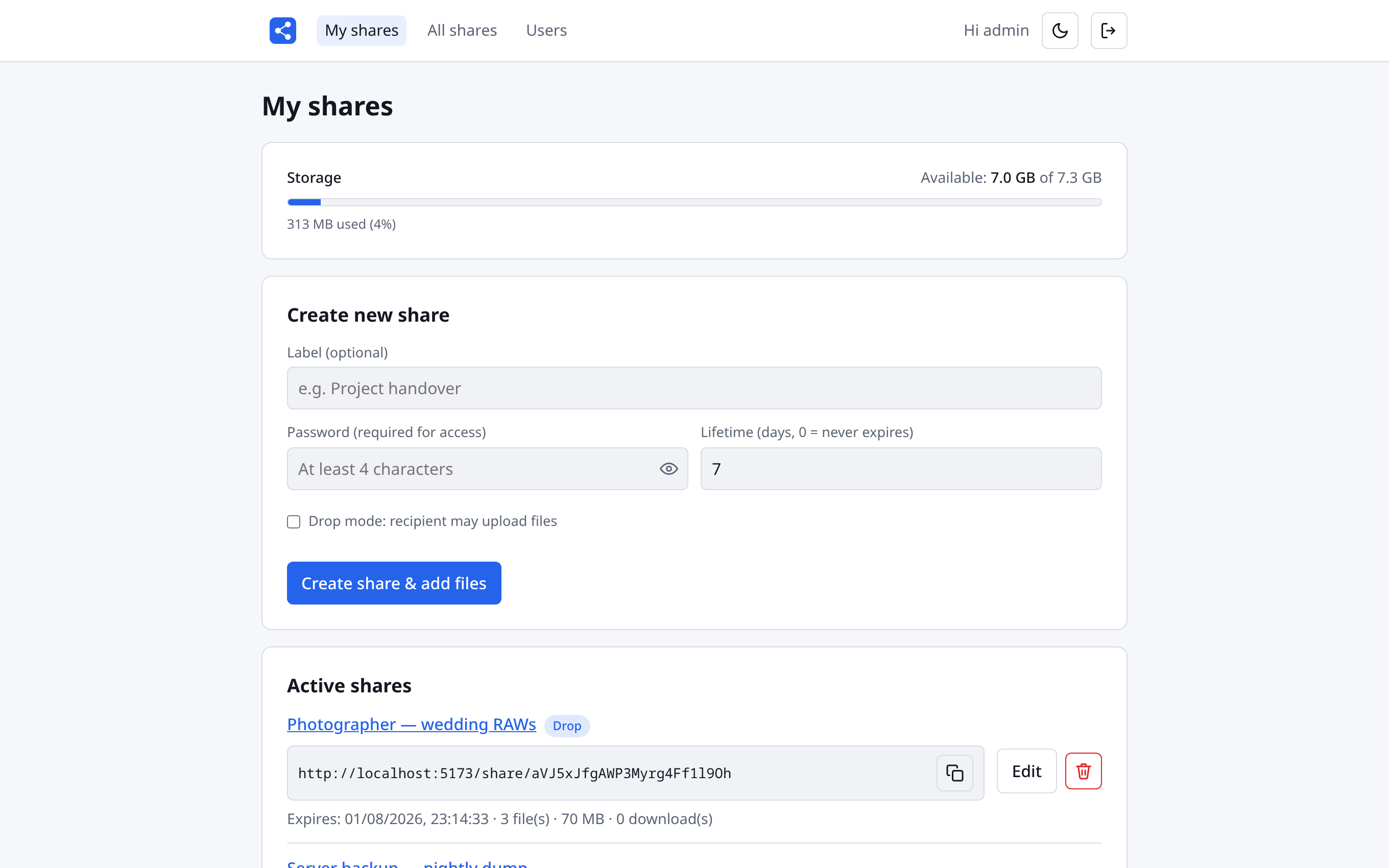
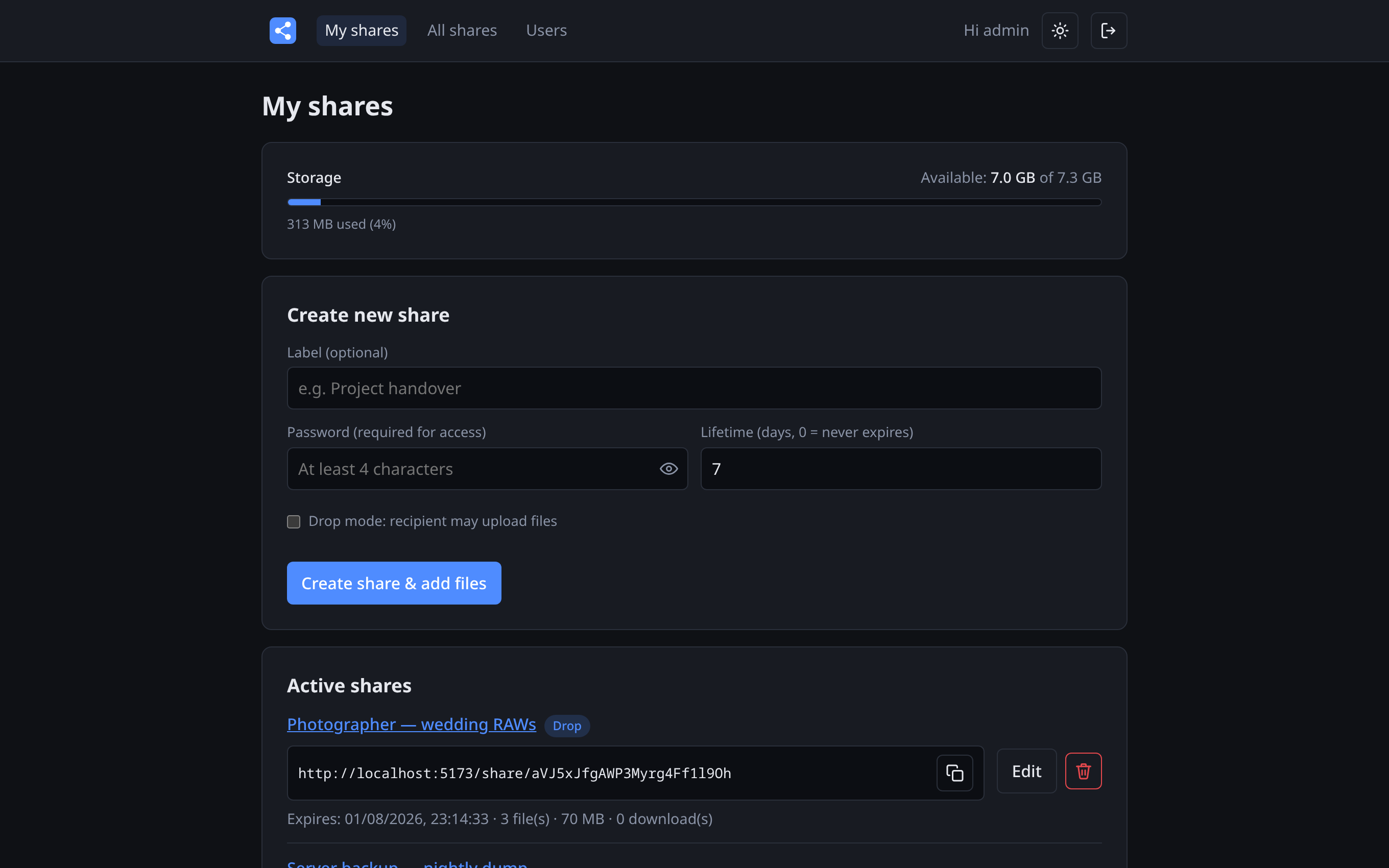
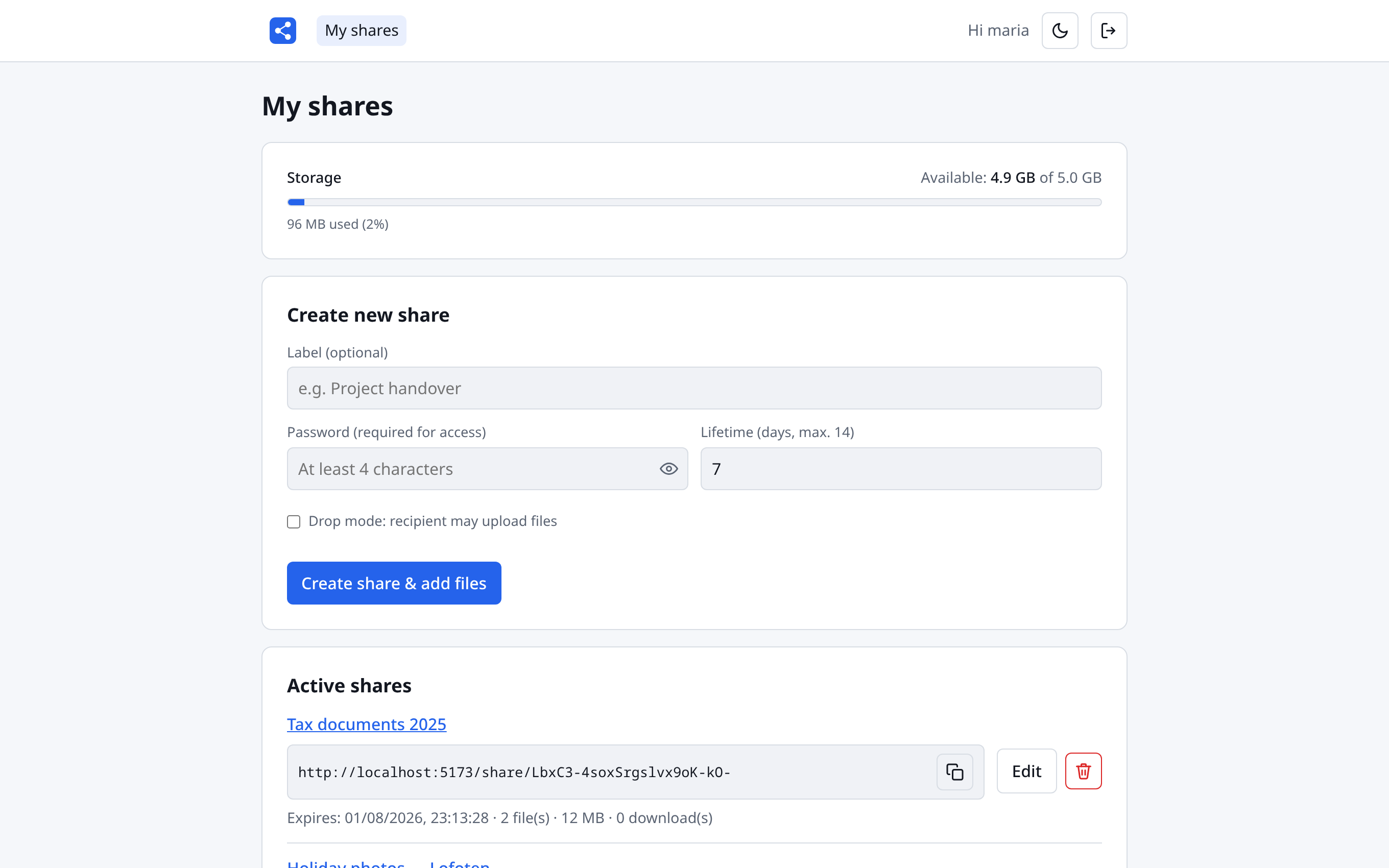
A share is a link, a password and a lifetime
Give the share an optional label, set the download password and how many days the link should live. Copy the link, send it — done. Accounts that are allowed to can create links that never expire.
- One-click copy of the share URL
- Lifetime in days, from one-day handoffs to permanent links
- Change the password later without breaking the link
- The storage bar shows your quota — personal cap or system pool
Drop in whole folders, structure intact
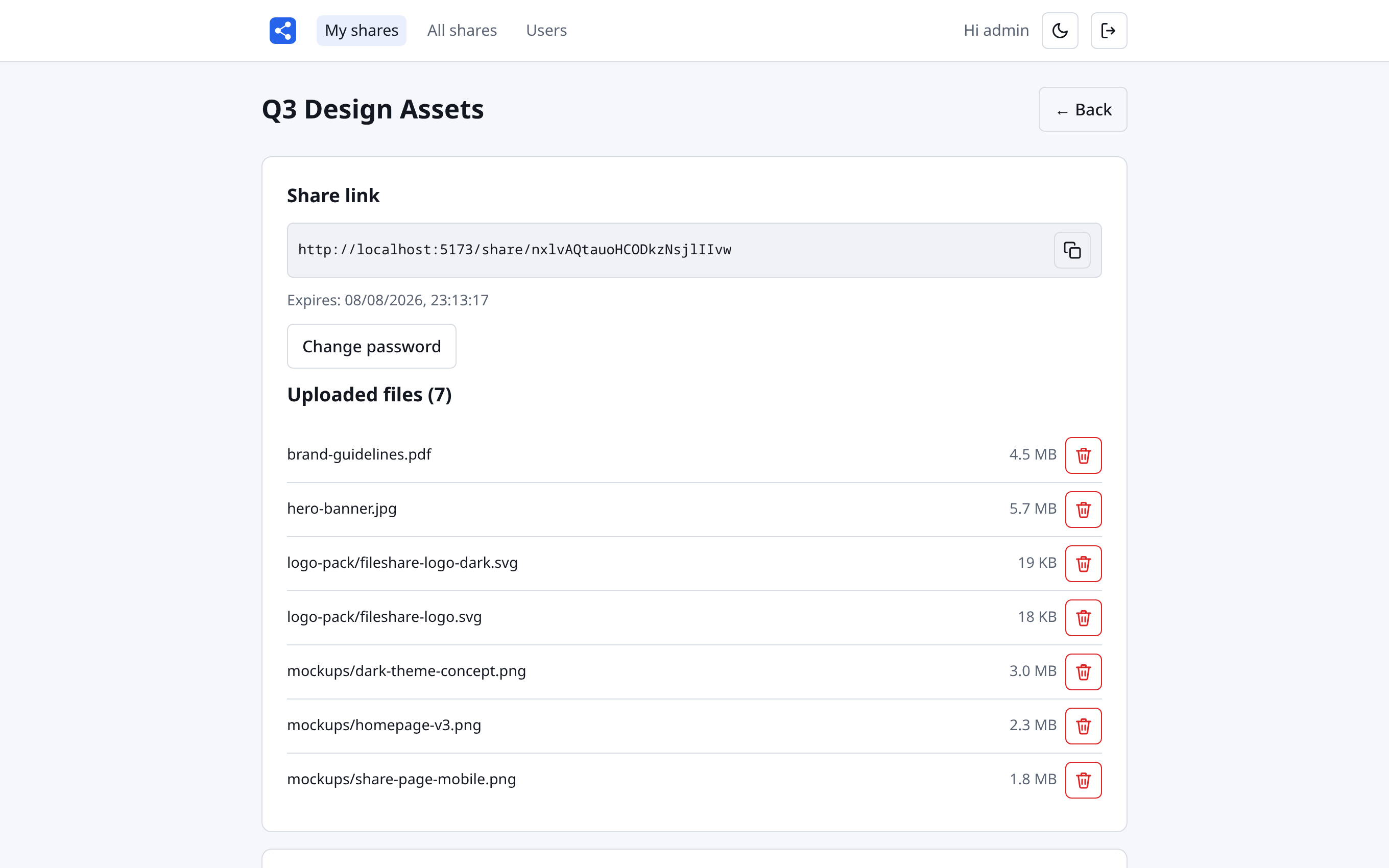
Upload files or entire folders by drag-and-drop or file
picker — the folder hierarchy is preserved exactly as it was, so
mockups/homepage-v3.png arrives as
mockups/homepage-v3.png. Re-uploading a file replaces it
in place.
- Folder uploads with the original directory tree
- Per-file progress while large uploads run
- Delete single files or the whole share
- Files up to 2 GiB each (configurable)
Recipients need a password, not an account
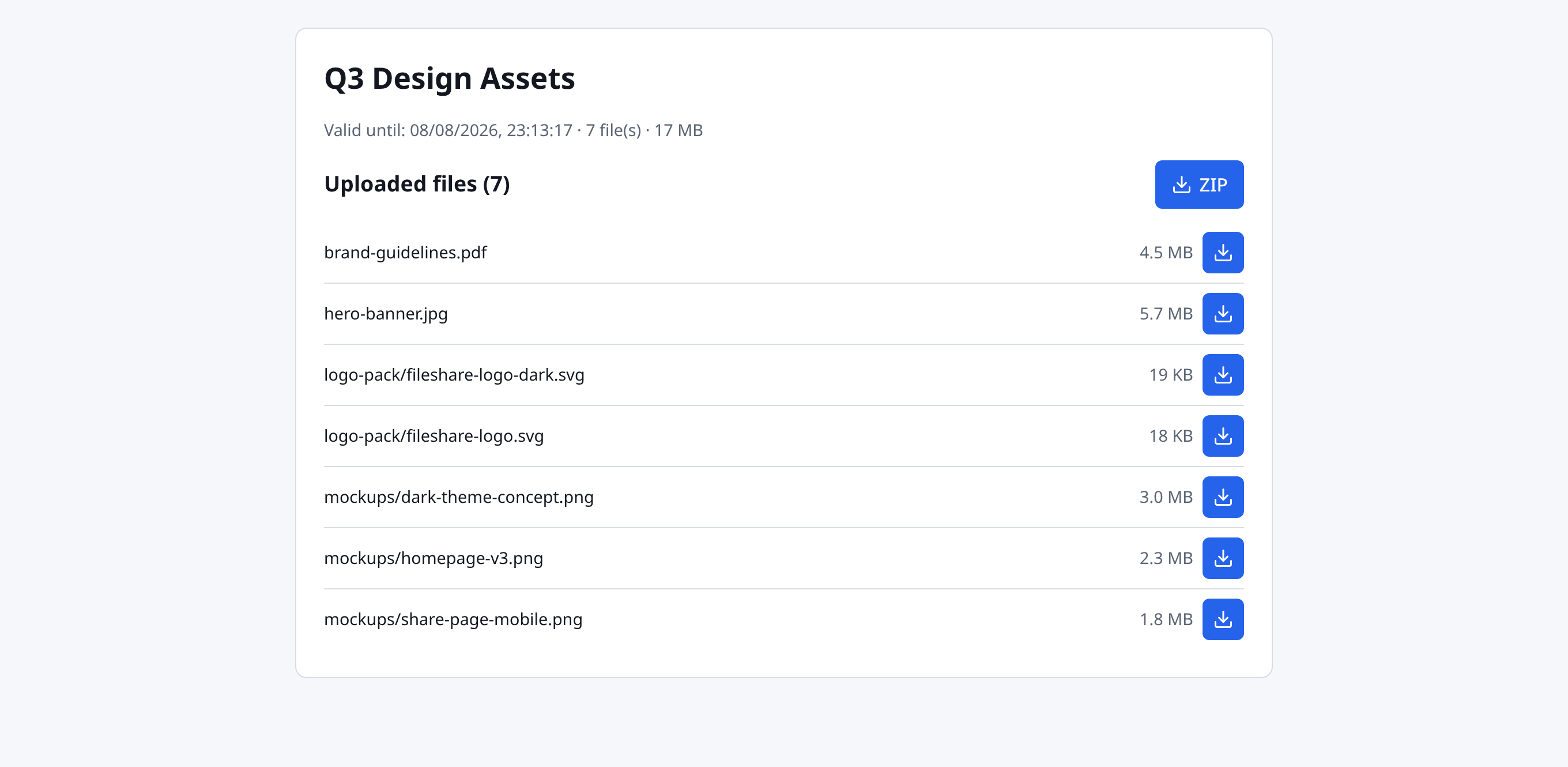
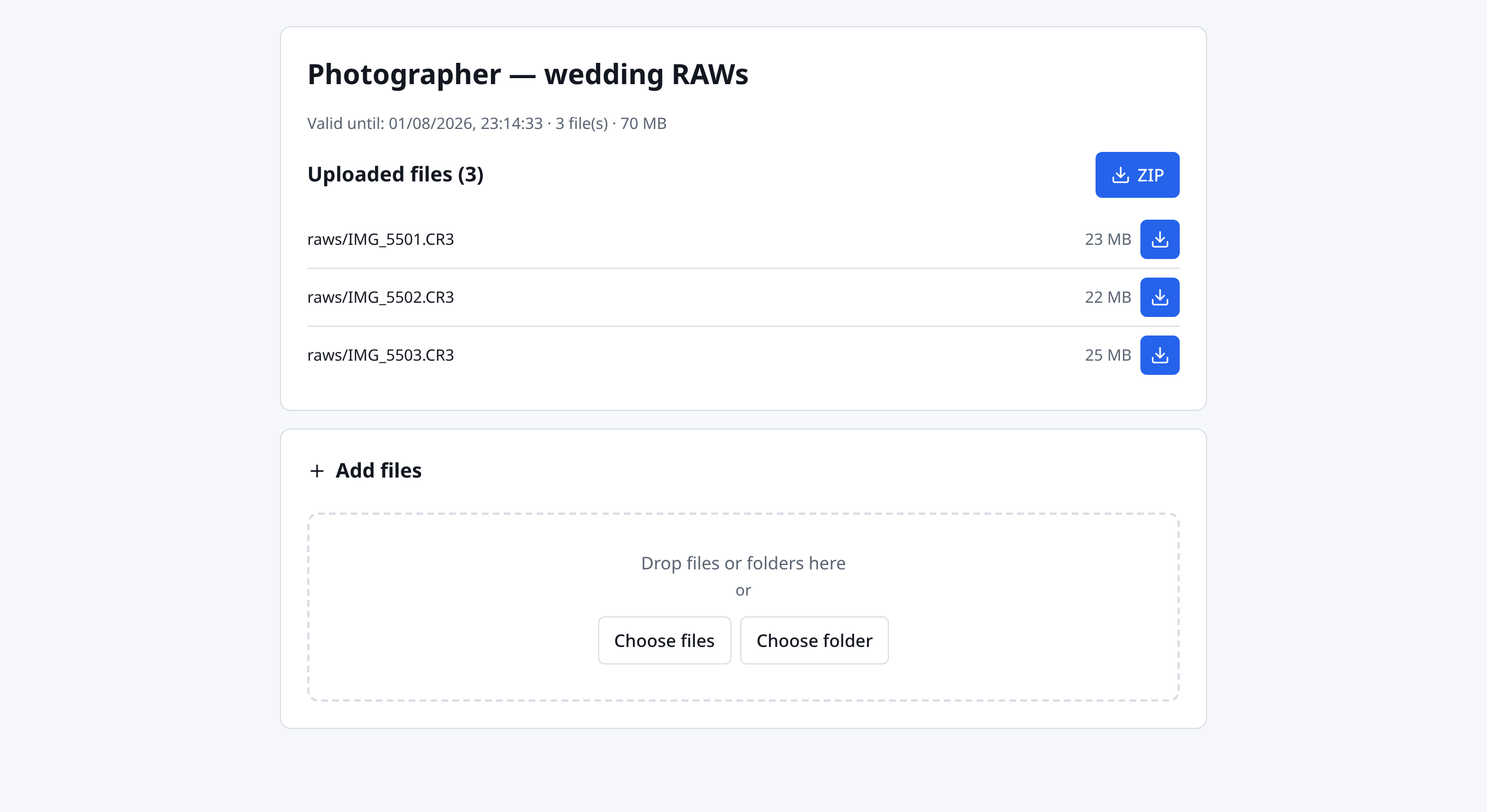
The public share page asks for the password and then lists everything in the share. Recipients download files individually or grab the whole share as a ZIP — streamed on the fly, folder structure included.
- No sign-up, no app — any browser works
- ZIP download of the entire share in one click
- Shows validity, file count and total size up front
- Short-lived download tokens — the password is never in the URL
Turn the arrow around: receive files
Tick drop mode when creating a share and the recipient can upload files through the same password-protected page. The clever bit: the expiry timer only starts with the first upload — so you can send the link today and the files can arrive next week.
- Guests upload files and folders — no account needed
- Lifetime starts on first upload, not at creation
- Downloads keep working, so drop shares are two-way
- Perfect for collecting photos, scans, print data, RAWs
Accounts, roles and per-user quotas
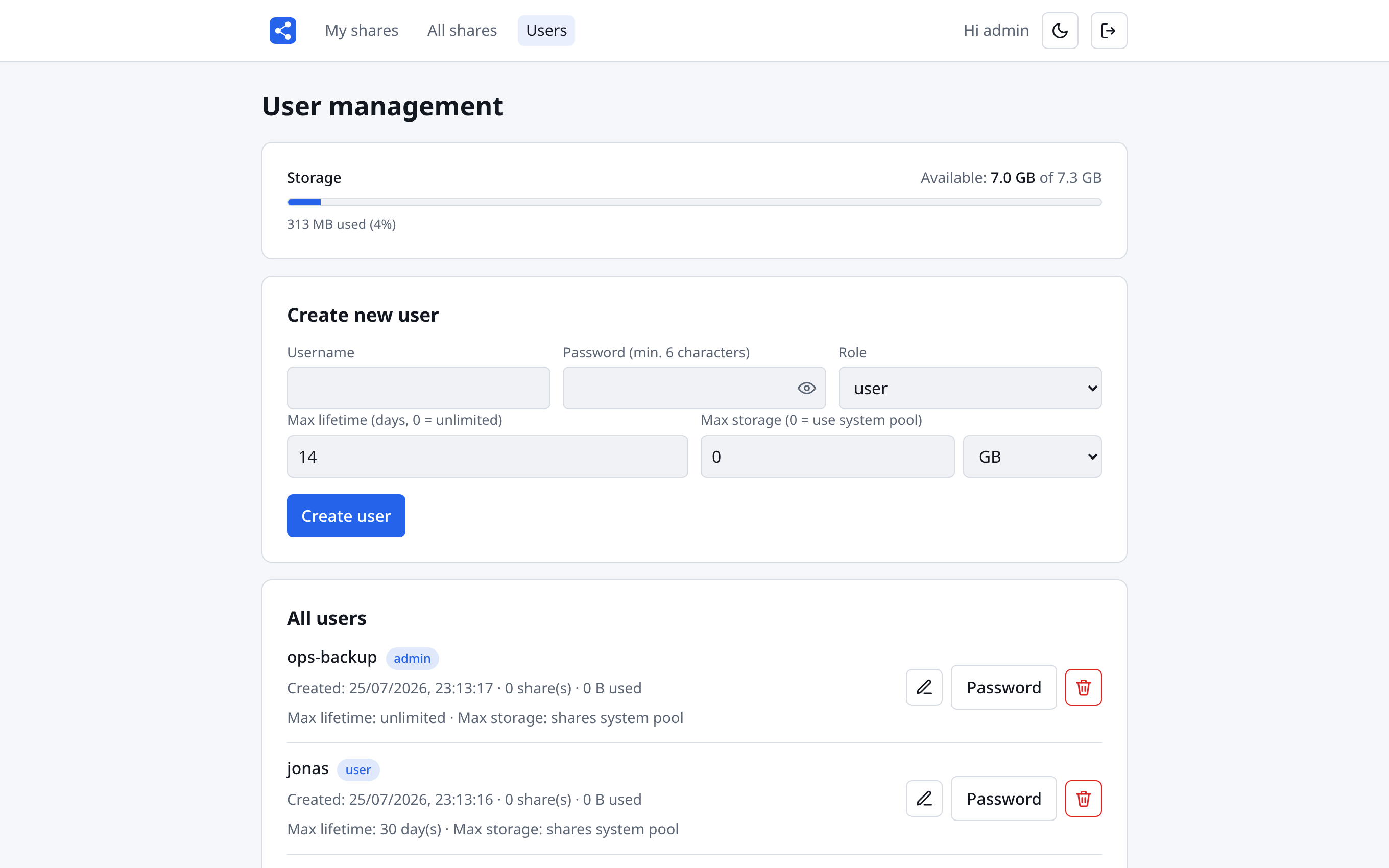
Admins create accounts, reset passwords and assign the admin or user role. Every account gets its own limits: a maximum share lifetime and an optional personal storage cap — or it simply draws from the system-wide pool.
- Per-user max lifetime (0 = unlimited)
- Per-user storage cap in MB/GB, or the shared pool
- See each user's share count and bytes used at a glance
- Uploads are pre-checked against the effective quota
Every share in the system, on one page
The admin-only All shares view lists every share of every user — owner, label, expiry, file count and size. Anything that shouldn't be there is one click from gone, files and database row together.
- Owner, expiry and size for every share in the system
- Admins can delete any share
- Deleting a user cleans up all of their shares too
- An hourly cleanup job removes expired shares automatically
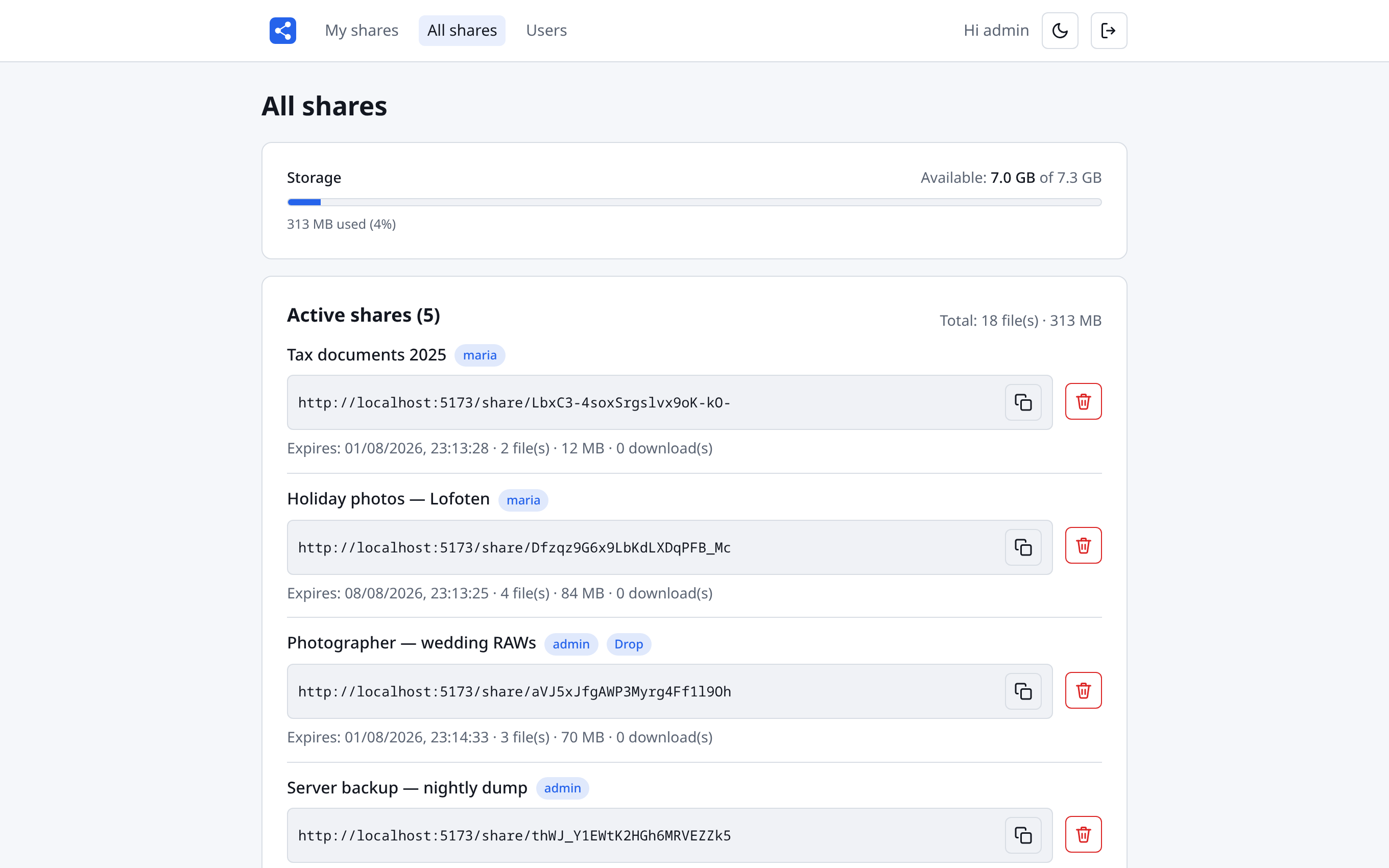
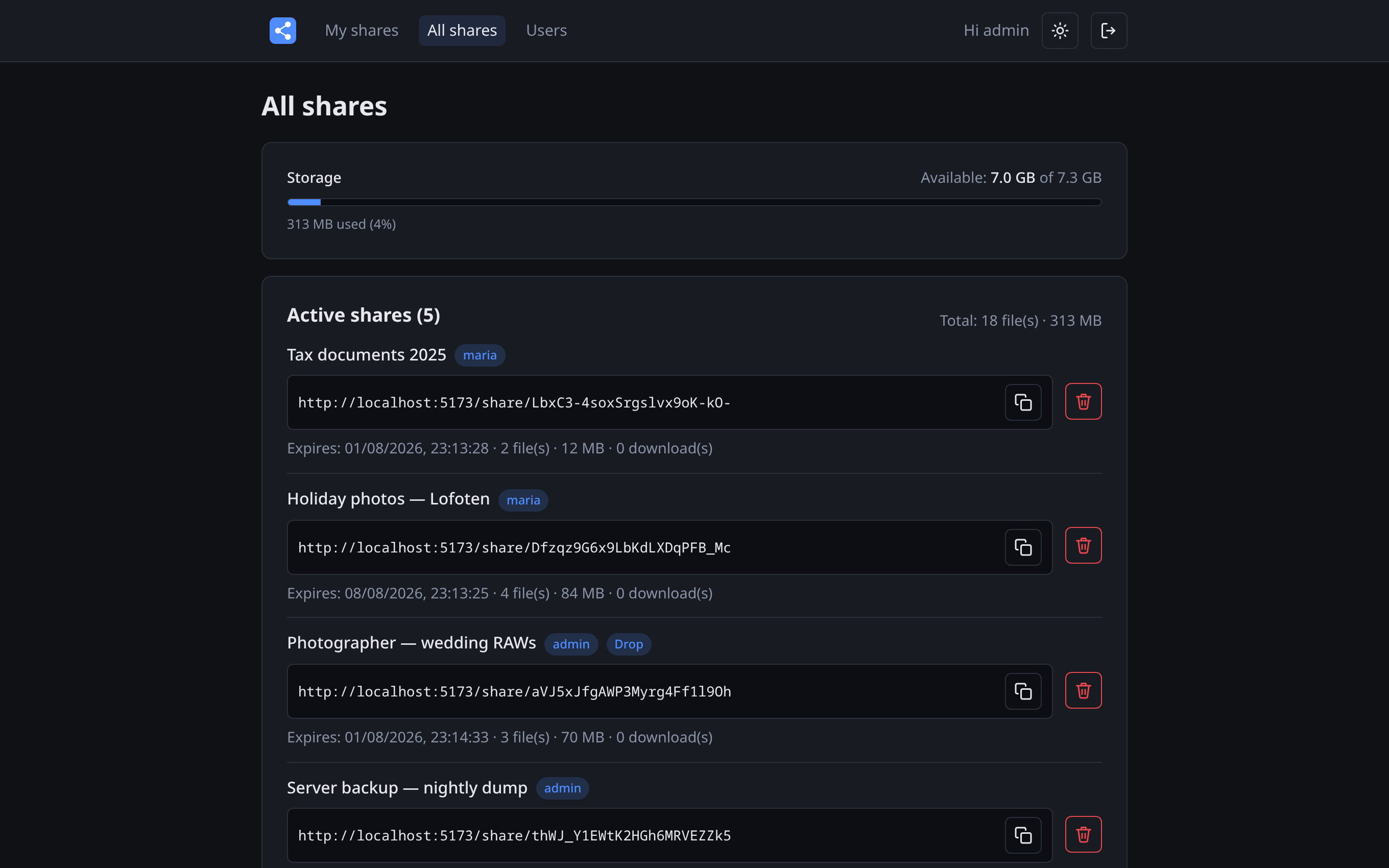
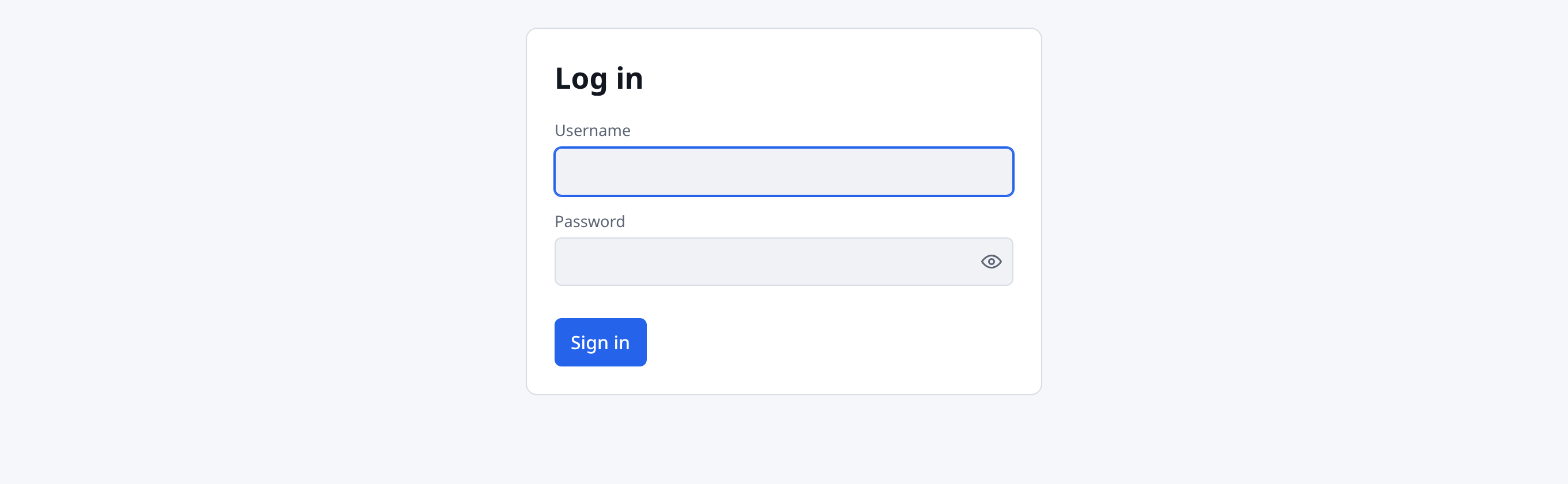
Sign in, pick your theme, get to work
Users sign in with username and password; the first admin account is
seeded from .env on initial start. The whole app — including
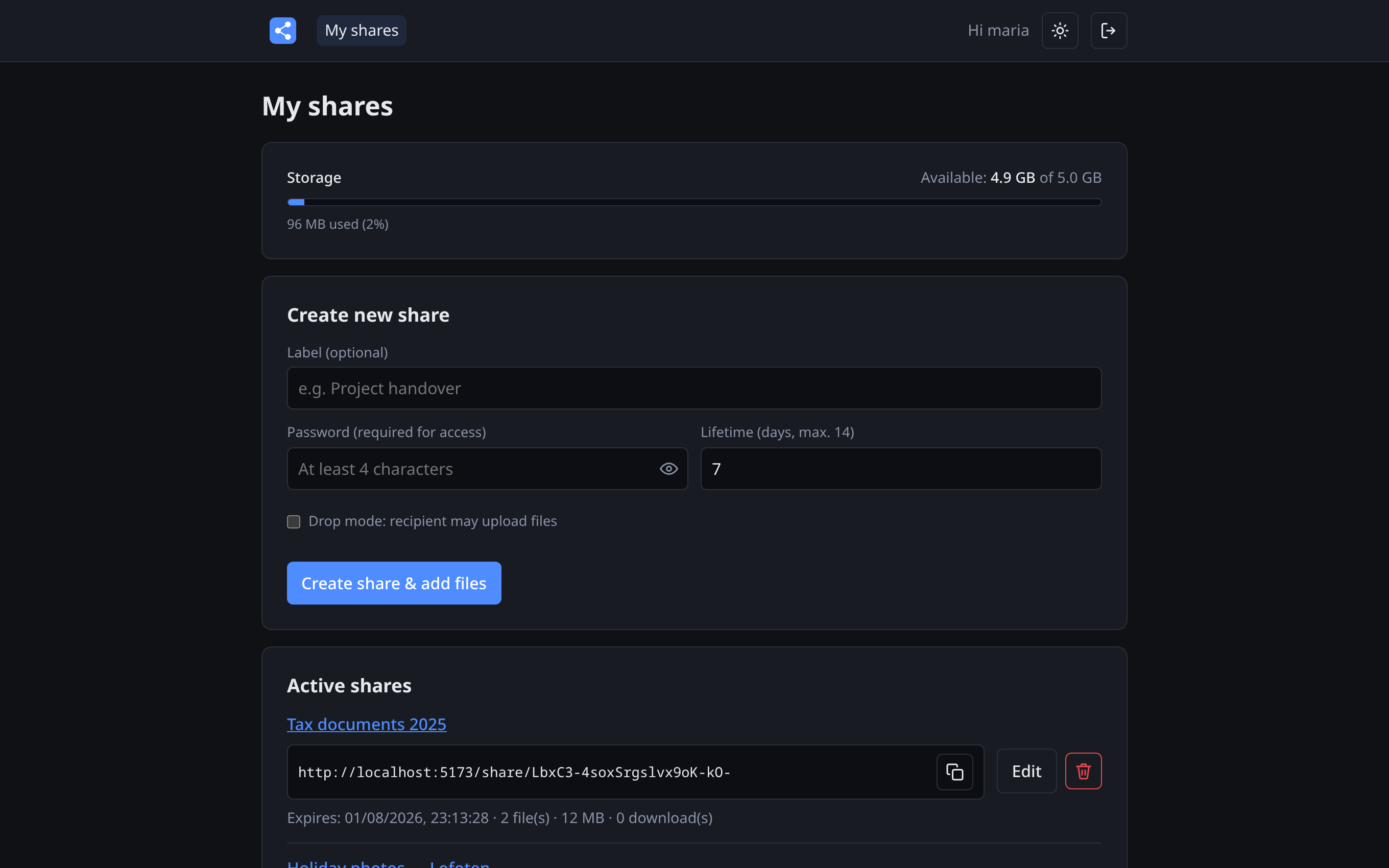
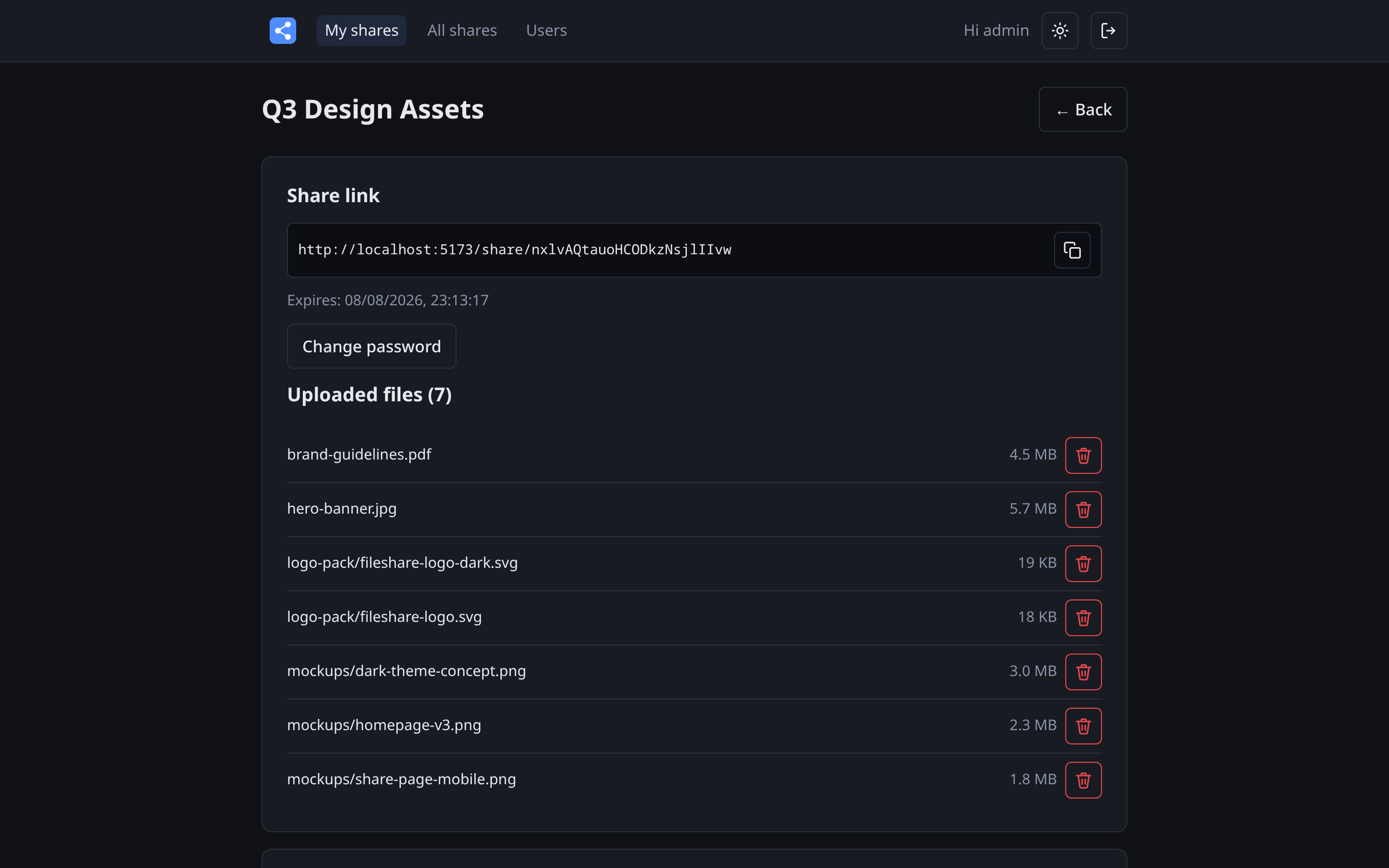
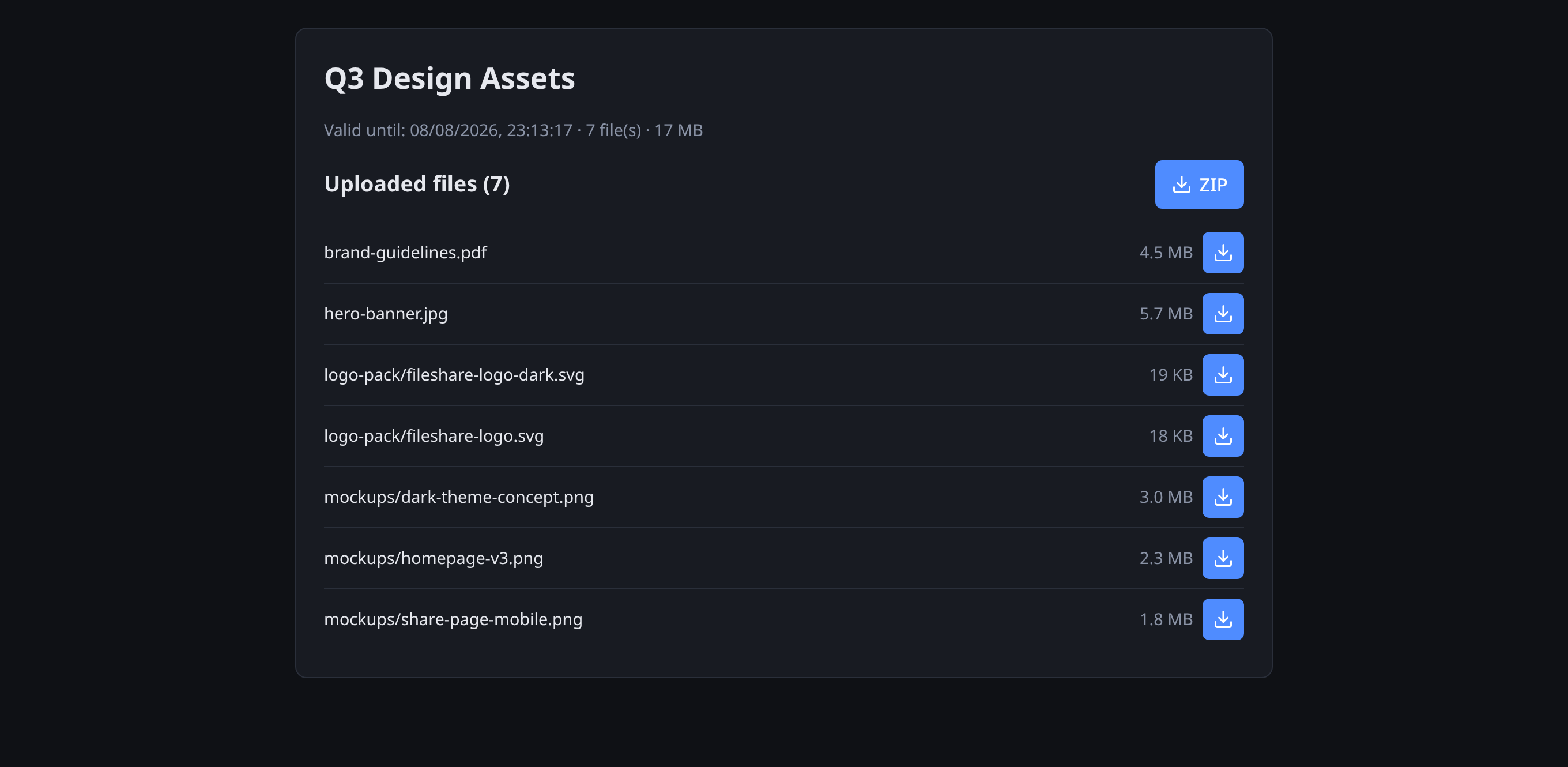
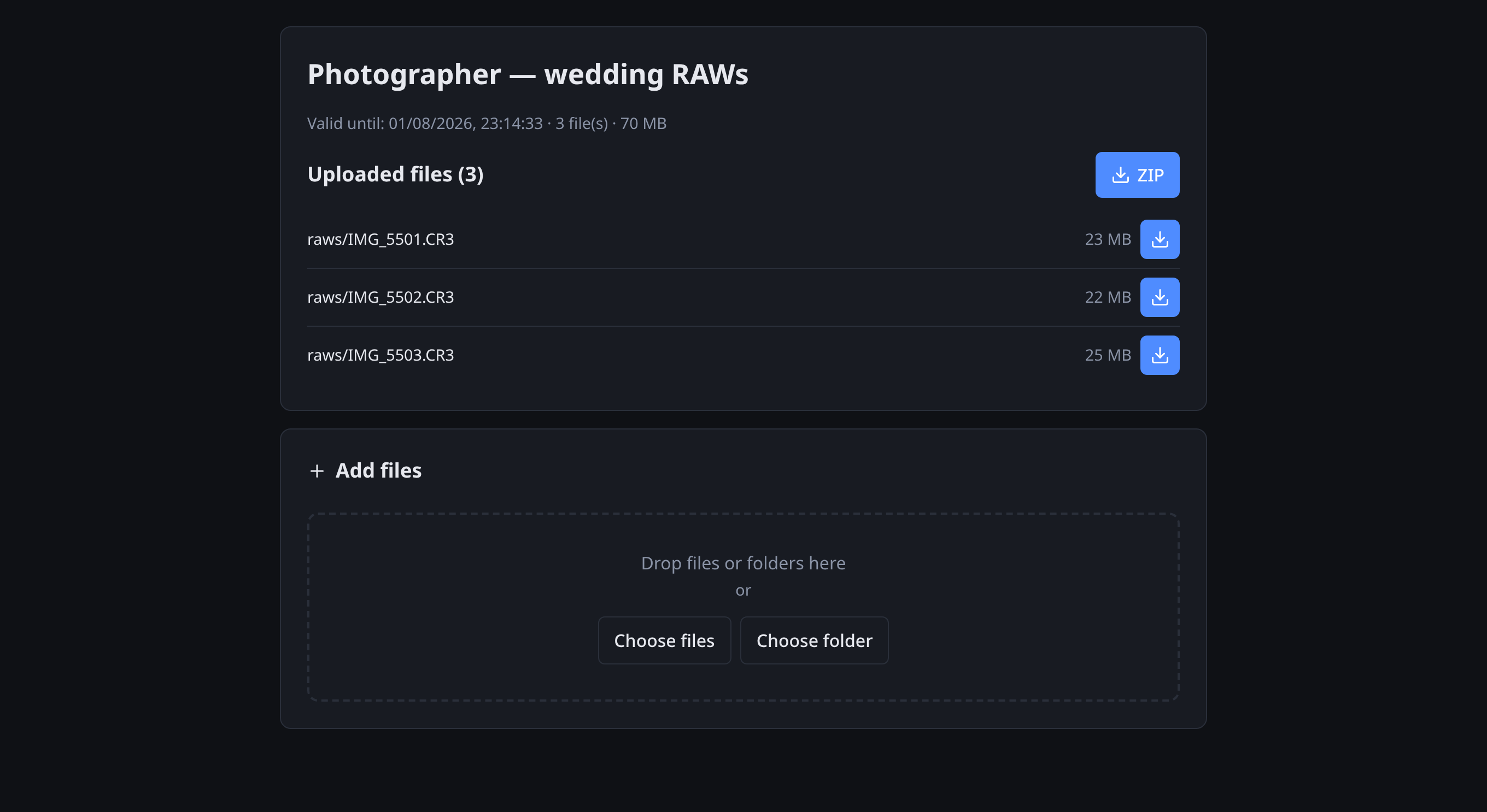
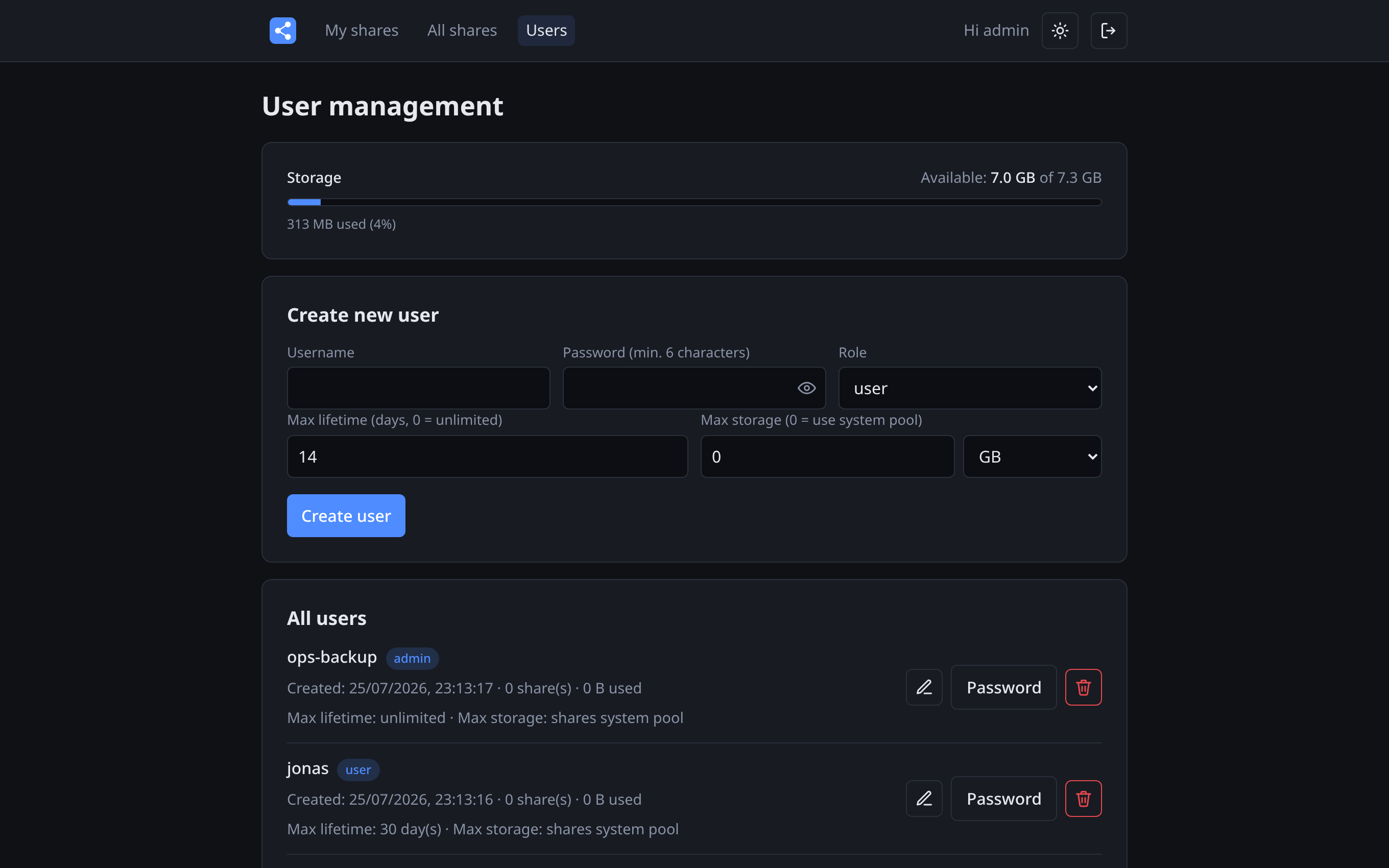
the public share pages — ships a light and a dark theme,
toggled in the header and remembered per browser.
- JWT sessions, bcrypt-hashed passwords
- Theme follows the OS on first visit, toggle persists
- Clean, responsive UI — fine on a phone too

Built to be exposed — carefully
Passwords never stored in the clear
Account and share passwords are bcrypt-hashed. Sessions and downloads use separate short-lived JWT tokens, so a share password never appears in a URL.
Brute force gets throttled
Login and share-password endpoints are rate-limited per IP (and per IP + link), so guessing passwords is slow by design. TLS termination is one nginx include away.
Nothing outlives its share
An hourly cleanup job deletes expired shares and their files together — database row and directory in one sweep. What you didn't mean to keep forever, you won't.
Get Simple Fileshare
Two containers, one volume. Clone, set two secrets, compose up — the stack is reachable on port 8080 behind the bundled nginx proxy.
git clone https://github.com/rimseg/simple-fileshare.git fileshare
cd fileshare
cp backend/.env.example backend/.env
# edit backend/.env — set ADMIN_PASSWORD and JWT_SECRET!

docker compose up -d --build   # → http://localhost:8080
Everything lives in one volume: /data/fileshare.db (SQLite) and
/data/uploads/. Set MAX_STORAGE_BYTES for a hard
ceiling, or leave it at 0 and the app tracks the real free disk.
An example nginx config with TLS for a host reverse proxy ships in
nginx/host-example.conf.